Cessna 182S
 | |
|---|---|
 | |
 | |
| Type | Civil aircraft, Civil utility aircraft, Glider tug |
| Configuration | High wing aircraft, Fixed gear aircraft |
| Propulsion | Propeller aircraft, Single-engine aircraft |
| Manufacturer | Cessna |
| Author(s) |
|
| FDM | JSBSim |
| --aircraft= | c182s |
| Status | Advanced production |
| FDM |
 |
| Systems |
|
| Cockpit |
|
| Model |
|
| Supports |
    |
| Development | |
| Website |
 |
| Repository |
 |
| Download |
 |
| Forum |
 |
| License | GPLv2+ |
|
| |
The Cessna 182S Skylane is an American four-seat, single-engine, light airplane, built by Cessna between 1996 and 2001. It uses a fuel-injected Textron Lycoming IO-540 AB1A5 with 230 HP at 2,400 RPM.
Features
The Cessna 182S is one of the high-quality aircraft models in FlightGear.
The Cessna 182S has a very detailed 3D model and a cockpit with highly detailed textures. Most of the switches in the cockpit are already clickable and working. It has a very realistic FDM based on real aerodynamic coefficients and the pilot operating handbook; engine power, EGT and fuel performance are tuned according the pilot operating handbook, the weight and balance behaves like written in the POH. Fly by the book - a link to real POH is given at the end of this page.

There are currently several liveries available: default Cessna livery, Blank, D-ELFP, HB-CZV, N182PJ, N321HW and some Custom registration Liveries.
The aircraft has a simulation of the Bendix/King KAP140 Autopilot. The cockpit can be illuminated at night by using the glareshield lighting, pedestal lighting and instruments/ radio lighting, controlled by two knobs. Dome lights which illuminates the cabin in a realistic way are in work. The knobs have two modes each, which can be used by clicking and dragging horizontally or vertically.
Also, if ALS (Atmospheric light scattering) is enabled, some effects are activated such as cockpit shadows, visible landing lights from the cockpit and rain effect on the windshield.
The Cessna 182S comes with static objects which can be activated via the Ground Equipment dialog in the aircraft menu. These include a fuel tank trailer, ladders to access the fuel caps (and which the walker can climb, ground power unit and a Dragon Engine Pre-Heater. Security cones are also available. Special Feature: The ground equipment will stay on ground where placed, independent from the movement of the aircraft! The aircraft can also go through a pre-flight check: wheel chocks, tie-downs and the pitot tube cover can now be added or removed.

Feature List
For details and usage hints, also see the documentation.
- accurate flight model based on real test aerodynamic coefficients and POH
- accurate fuel flow numbers, engine power, airspeed and climbrate in nearly all pressure altitudes and temperatures with less than 5% difference from POH
- realistic stall behavior
- calculation of real KIAS based on KCAS, based on POH
- accurate weight and balance behavior
- Start-up States: aircraft can be initialized in cruise, landing, takeoff and more states
- autostart for beginners
- fully simulated fuel system: fuel flow by gravity, engine pump and fuel pump simulated for each of the two tanks,; engine needs correct priming procedure according POH, fuel contamination simulated
- realistic electrical system, battery charge state depending on temperature, working circuit breakers
- fully simulated oil management (temperature, ....)
- simulation of cabin heat and defrost
- simulation of icing to wings, propellers and engines in icing conditions
- detailed damage and failure simulation
- High quality 3d-model, textures and animations
- Realistic exterior reflection shaders with fresnel effect and normalmap
- selectable chromed spinner and wheel fairings
- Very detailed 3d-interior
- moveable sun-visors
- all cockpit switches are working
- fully working audio panel
- fully simulated Bendix/King_KAP140_Autopilot
- fully simulated Davtron M803 digital clock
- fully simulated Bendix King avionics stack (two KX-165 VHF COM/NAV radios, KN-62A DME, KT-67C Transponder, KR-87 ADF)
- Realistic interior light effects in ALS-Renderer
- Interior shadows in ALS-Renderer
- interior glass frost and fog effects in ALS-Renderer
- Exterior 3d-shadow in ALS-Renderer
- selectable and fully simulated Winterization kit
- External equipement like ladders, safety cones, tie ups, pitot cover, wheel chocks, external power source, simulated external engine pre-heater with sound - they keep their position on ground!
- aircraft can be preflight checked outside (free movement check of flight control surfaces; oil, fuel, pitot heat, ....)
- Walker - can be used to follow the Checklist outside
- Towbar connecting to the nosewheel for ground handling
- Save states: aircraft remembers last switch, systems and configuration state
- Many liveries
Aerotowing gliders
The C182S and C182T are capable of aerotowing over multiplayer by the glider pilot pressing Ctrl+o while behind the Cessna. The Cessna pilot can release the hook anytime by pressing ⇧ Shift+O.
Dual control
The plane supports Dual control where a copilot can ride along in another multiplayer plane. The copilot needs to start the C182 copilot variant and then select the pilots plane from the multiplayer dialog. The pilot also need to select the copilot this way.
Currently the copilot is view-only and cannot take over controls.
Parachuters
Via the aircraft options menu you can remove the right cabin door and seats, to haul parachuters. When clicking on your passengers, they will climb out to the strut and jump off. The parachuters are even visible to other multiplayer aircraft (for that to work they need the C182s/t model installed).
To enable the Jump button (making it no longer grayed out), you need to first click the "Configure Humans" button to add a crew member, and climb above 150m (approx. 500ft).
Extended failures / surprise mode
The plane features a very detailed failure simulation and optionally can surprise you on the fly (if you wish, without notifying you). The failures dialog can be accessed by the aircraft menu, but you can also configure this for startup in your launcher by adding configuration options there. Please see the documentation for details.
Handling The Aircraft (beginner version)
You can activate more realistic handling at any time in the aircraft dialog, like fuel contamination, engine oil management and priming needs.
The full checklists are available ingame in the checklists dialog.
Pre-Flight Inspection

It's recommended to use any exterior view or activate the walker for these procedures.
- Cockpit: remove wind gust lock
- Check fuel quantity on both tanks (click on the red caps top of the wings)
- Left wing: remove pitot tube cover
- Left wing: remove tie-down
- Left wing: check for fuel contamination by clicking under the wing and take a fuel sample. If the sample is light blue, the fuel is not contaminated and can be returned to the tank. If the sample is transparent or partially transparent, you must discard it and take new samples until they are completely light blue
- Left main wheel: remove chocks
- Tail: remove tie-down
- Right wing: remove tie-down
- Right wing: check water contamination
- Right main wheel: remove chocks
- Right nose: check water contamination of fuel selector (below plane) and fuel strainer (right nose)
- Nose: remove wheel chocks
- Nose: check oil level (more than 6.0 quarts)
- Nose: remove chocks
Engine Start (manual and complex startup)
- Mixture: Idle cut-off (red lever full out)
- Propeller: High RPM (blue lever full in)
- Throttle: Open 1/4 inch (black lever ~5%-8% setting inSim)
- Parking Brake: Applied (⇧ Shift+B)
- Prop Area: Clear
- Master switch: ON (both)
- Auxiliary Fuel Pump Switch: ON
- Advance mixture to full rich, keep it 3-5sec
- Then Idle Cutoff
- Auxiliary Fuel Pump Switch: Off
- Magnetos: Both (Press } three times)
- Ignition: crank engine (S until engine fires)
If the engine was warm already, it usually starts without priming by just setting Mixture to rich and cranking.
If engine floods, then set mixture to idle cut off and throttle to 1/2 to full open and crank. When engine fires, set mixture to full rich and throttle to idle.
Takeoff
- no flaps or flaps 10deg
- cowl flaps open (⇧ Shift+F several times)
- full throttle
- rotate at 50-60 KIAS
Climbout
- no flaps
- cowl flaps open
- full throttle
- 80 KIAS
- Reduce power to stay in the green arcs as soon as obstacles are clear
- Fuel flow: max 15Gph
- Throttle: max 23 in.Hg
Cruise
- 2000-2400 RPM
- 18-23 mp
- mixture rich of peak as recommended lean mixture setting for cruise or 125°F rich for best power
- speed between 120-140 knots depending on the power settings
- cowl flaps closed (f as appropriate -> watch CHT gauge)
Landing
- flaps 20deg or full flaps
- 60-70 KIAS
Airspeeds
- See also Aircraft speed#V speeds
| Airspeed | IAS |
|---|---|
| Stall speed, landing configuration, VS0 | 36 kt |
| Stall speed, clean, VS1 | 43 kt |
| Rotation speed, VR | 55 kt |
| Best angle of climb speed, VX | 63 kt |
| Best rate of climb speed, VY | 80 kt |
| Maximum flap extended speed, VFE | 100 kt |
| Manoeuvring speed, VA | 110 kt |
| Maximum structural cruising speed, VNO | 140 kt |
| Never exceed speed, VNE | 175 kt |
| Max. Crosswind at landing | 15 kt |
Performance
| Cruise, 80% power, 6,000 ft | 140 kt |
| Cruise, 65% power, 8,000 ft | 130 kt |
| Cruise, 55% power, 10,000 ft | 121 kt |
| Range, 75% power, 6,000 ft | 820 nm |
| Range, 65% power, 8,000 ft | 910 nm |
| Range, 55% power, 10,000 ft | 968 nm |
| Best Climb[1] | 924fpm |
| Service Ceiling | 18,100ft |
| Takeoff ground roll: 795ft (242m) over 50ft obstacle | 1,514ft |
| Landing ground roll: 590ft (180m) over 50ft obstacle | 1,390ft |

FAQ
Main article: Cessna 182S/FAQ
Versions
Stable release
The Last official release for your matching FlightGear version can be downloaded from the Launcher (FGAddon default Hangar). There you can also easily update the plane, once updates get published.
Alternatively, GIT releases (and changelogs between versions) are here: https://github.com/HHS81/c182s/releases
Development status/Issues/TODO
This aircraft is undergoing a constant development, which can be followed on its repository, where a list of issues and future enhancements can also be found. Worth a visit!
Using the latest development/git version
| Note This may not work properly with the current stable (and older) flightgear versions. Development usually targets the latest flightgear stable, but may use also fresh features of flightgears "next" version. |
If you want to use the latest github versions, they can be obtained here (master-branch): https://github.com/HHS81/c182s/archive/refs/heads/master.zip
- Make a new "Aircraft" folder (in case you don't already have one). Then add that directory to your launchers "Addons" tab as aircraft folder.
- Download a zipped version you want to use (links below).
- Extract the zipfile into your "Aircraft" folder.
- Rename the extracted
c182s-<version>folder toc182s.
Gallery
 |
There is a category with screenshots of the Cessna 182S. |
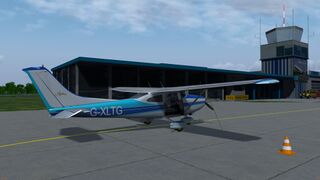
aircraft sitting on the apron of St. Gallen-Altenrhein/ Switzerland
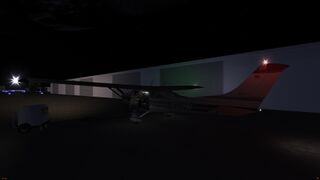
aircraft sitting in the dark, all lights on
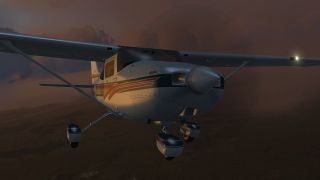
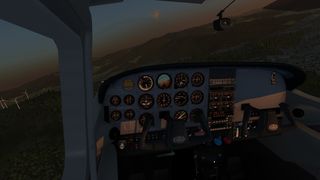
Cessna 182S at dusk
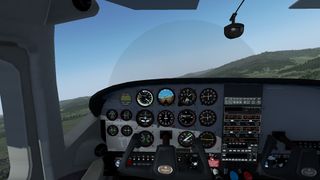
Default cockpit view
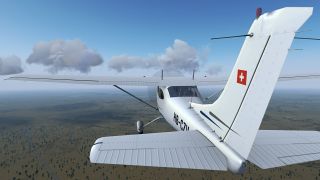
HB-CZV livery
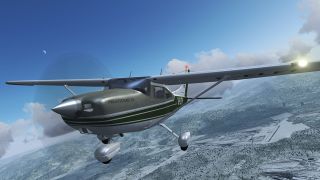
D-ELFP livery
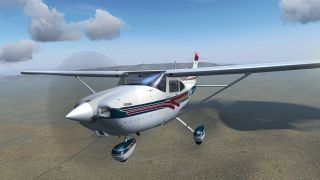
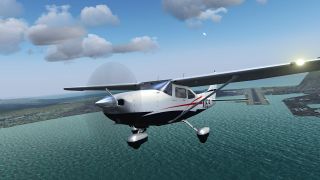
Cessna 182S over California
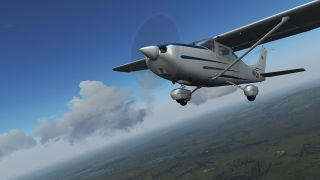
Another view of the HB-CZV livery
Taking off
Cessna 182S around Roßkopf in Freiburg/ Germany
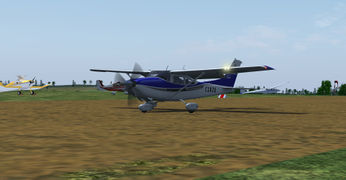
Cessna 182S with custom registration at Siegerland Airport/ Germany
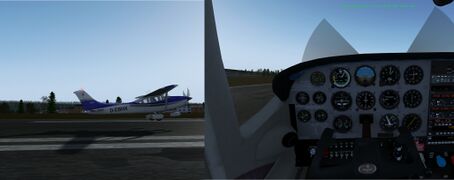
C182s landing, showing the needed high pitch attitude
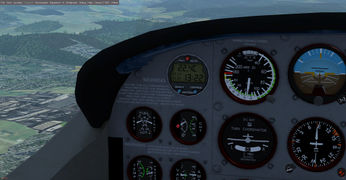
The Davtron 803 clock in action
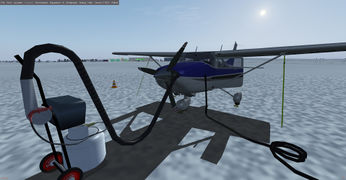
Winterkit installed, and preheating the engine with an Engine Preheater
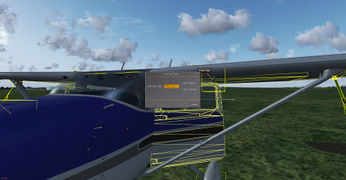
Fuel Management Dialog
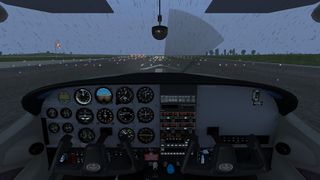
Rain effect in the windshield
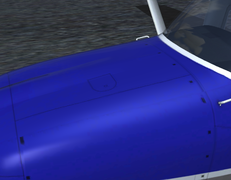
Oil cap location
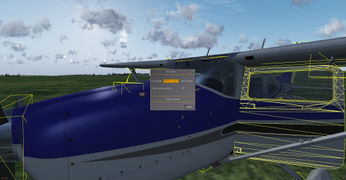
Oil Management Dialog
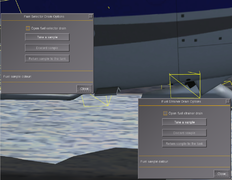
Fuel selector and strainer quick drain valves location
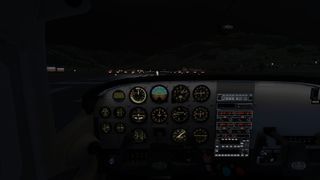
Ready to take off at night
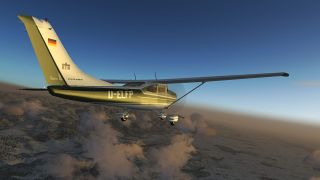
D-ELFP at dusk
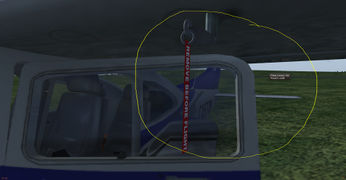
Pitot, Cover and message
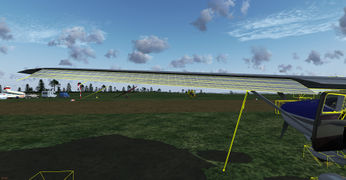
Checking the aileron
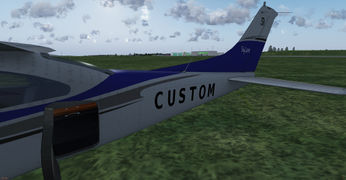
The custom registration
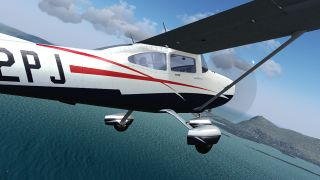
N182PJ livery
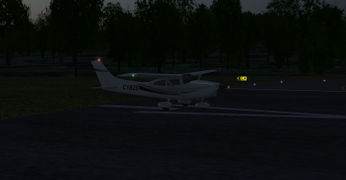
Default livery at night
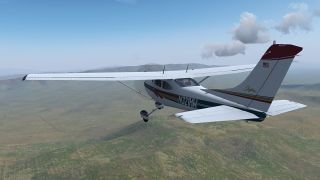
N321HW livery
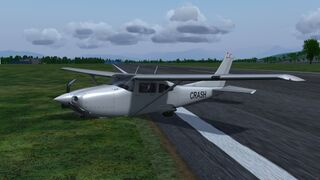
aircraft crashed
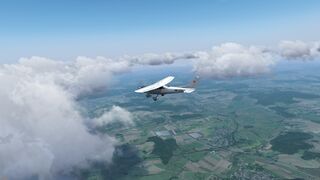
aircraft flying above South Germany
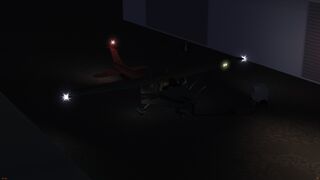
aircraft sitting in the dark, all lights on


External links
- Cessna 182 Skylane

- Links to Cessna 182S Checklists and W&B sheet
- Cessna 182S POH
- Cessna 182S Aircraft Information Booklet
- C182 Standardized flight maneuvers guide
- 9 Actionable Cessna 182 Landing Tips You Can Implement Today
References
|
| ||||||||
- Civil aircraft
- Civil utility aircraft
- Glider tugs
- High wing aircraft
- Fixed gear aircraft
- Propeller aircraft
- Single-engine aircraft
- Cessna
- Aircraft with Checklists
- Dual control aircraft
- Interactive Tutorial Support
- Aircraft using Compositor
- GPLv2+
- FGAddon hangar
- All aircraft
- Aircraft with a cockpit-only autopilot
- Red Griffin ATC compatible aircraft