Nasal REPL interpreter
Jump to navigation
Jump to search
 |
The FlightGear forum has a subforum related to: Nasal Scripting |
 |
| Nasal scripting |
|---|
 |
| Nasal internals |
|---|
FlightGear provides a interpreter for debugging short pieces of Nasal code, the so called "Nasal REPL interpreter" is available in FlightGear's menu (Debug > Nasal REPL interpreter).
Usage
- ESC —— Exit/close the dialog.
- Ctrl-d —— Same as ESC.
- Ctrl-v —— Insert text (at the end of the current line).
- Ctrl-c —— Copy the current line of text.
- Ctrl-x —— Copy and delete the current line of text.
- Up —— Previous line in history.
- Down —— Next line in history.
Note that the result of print() cannot be displayed in the REPL, since print() outputs to the console. You can type var (or console.print2(var)) instead of print(var).
Gallery
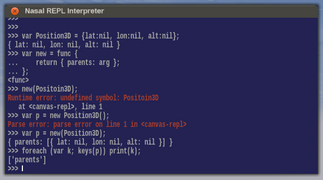
Interactive Nasal console REPL.
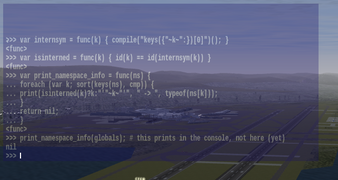
At KSFO with transparency enabled (no title bar/styling).
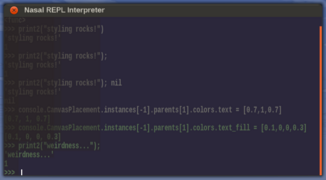
Colors can be changed while running.
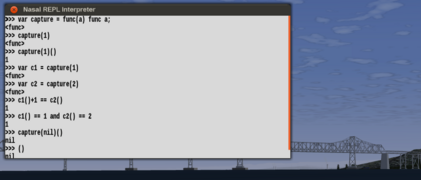
A simple example of functional closures, with white styling.


